Wireframe
Header → hero → content cards → footer, designed to collapse nicely on mobile.
This page shows what I actually practised in each module and how I applied it in my site. It’s intentionally simple: clean structure, readable text, and layouts that survive on a phone.
I set up my editor (VS Code), a couple of browsers for testing, and connected to cPanel.
I learned the basic anatomy of a page: <html>, <head>, <body>.
I practised headings in order, paragraphs, links, images (with meaningful alt),
and both ordered/unordered lists. I deployed a bare-bones page so I could iterate fast.
<h2>Hello!</h2>
<p>This is a short paragraph with a <strong>highlighted</strong> word and a
<a href="index.html">link back to Home</a>.</p>
<img src="images/hero.jpg" alt="Abstract AI image">I used Figma to sketch a low-fi wireframe and a simple sitemap. Defining a color palette and two type styles early helped keep pages consistent. I wrote short notes for each section so every block had a purpose.
Header → hero → content cards → footer, designed to collapse nicely on mobile.
Home, Web Development (this page), Terms, Contact, and an external WordPress link.
Dark theme, high contrast, limited fonts, comfortable line length (~65ch for paragraphs).
css/styles.css with variables and a small grid.Short content in a card with padding and a subtle border.
Stacks on small screens using a responsive grid.
I kept JS light and safe: the active-nav highlight and a dynamic year in the footer. No keyboard traps, no hidden links. Progressive enhancement only.
<script>
  document.getElementById('year').textContent = new Date().getFullYear();
</script>
I installed WordPress in a separate subfolder (/wpol/) so it wouldn’t overwrite my HTML site.
I created pages (Home, Contact, Terms) and built a clean nav. I learned how blocks, themes, and permalinks work,
plus where to credit sources. Link to my WP is in the nav as “WordPress”.
public_html (home page is index.html).css/styles.css, images/hero.jpg).
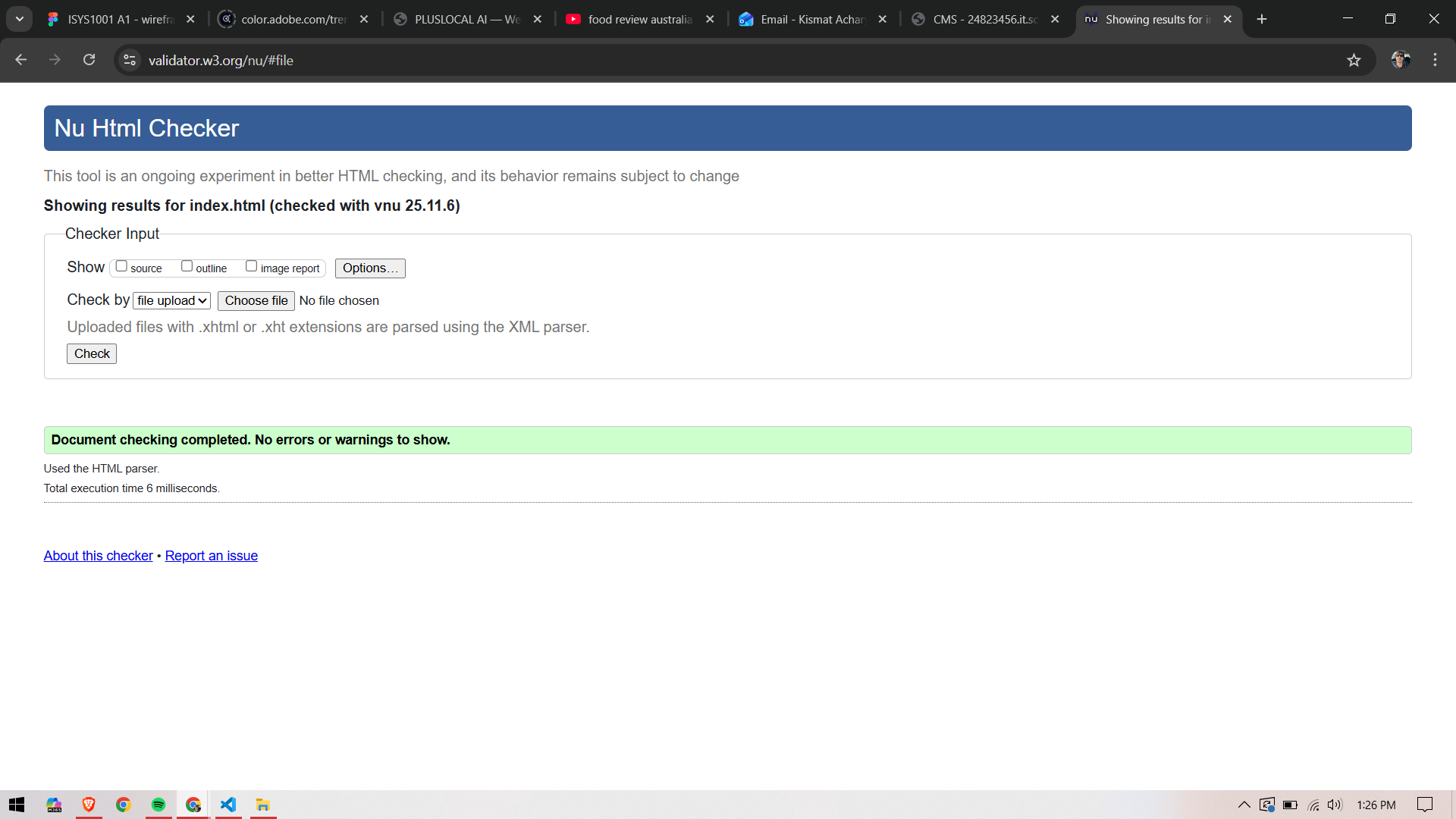
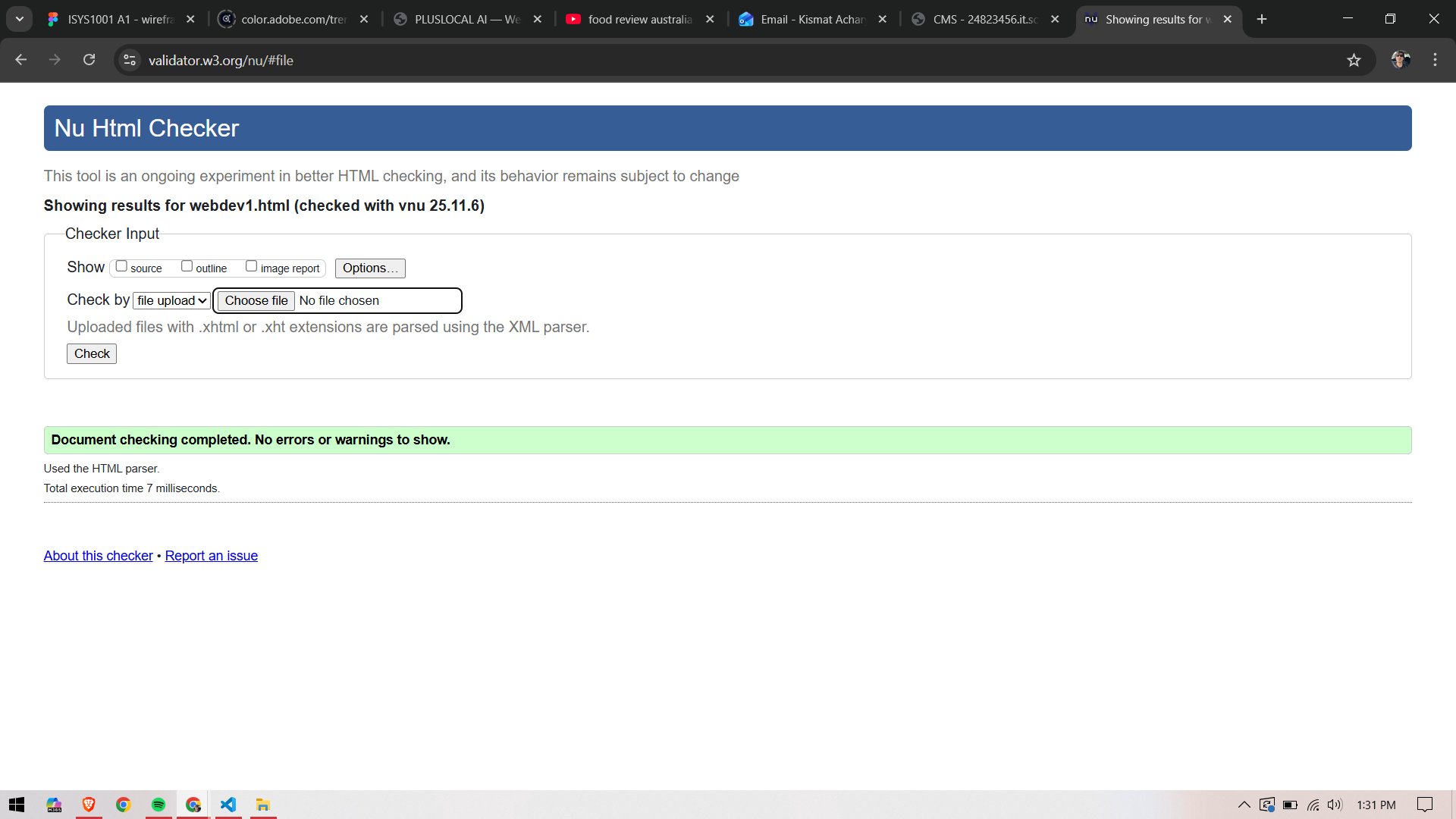
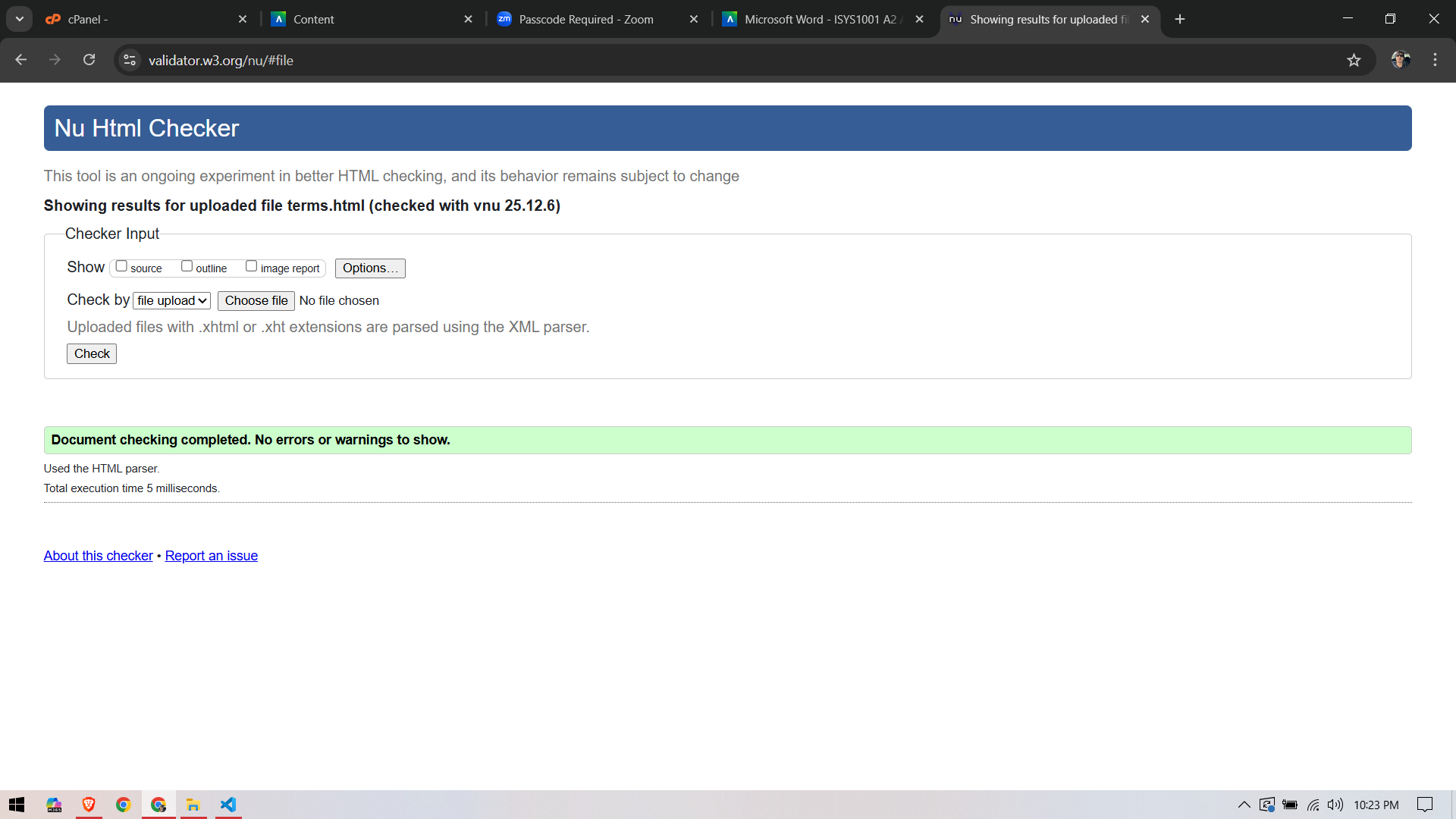
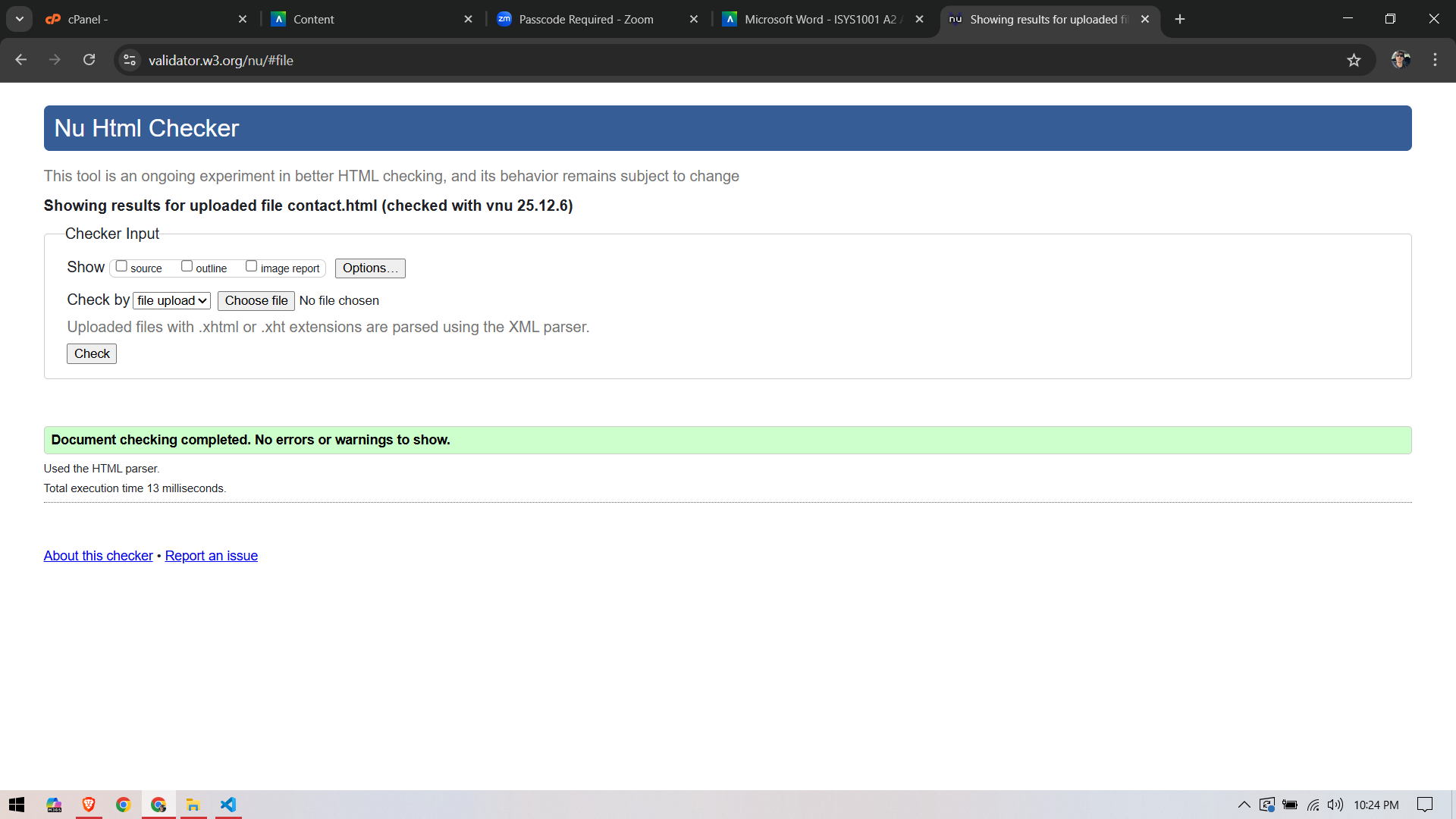
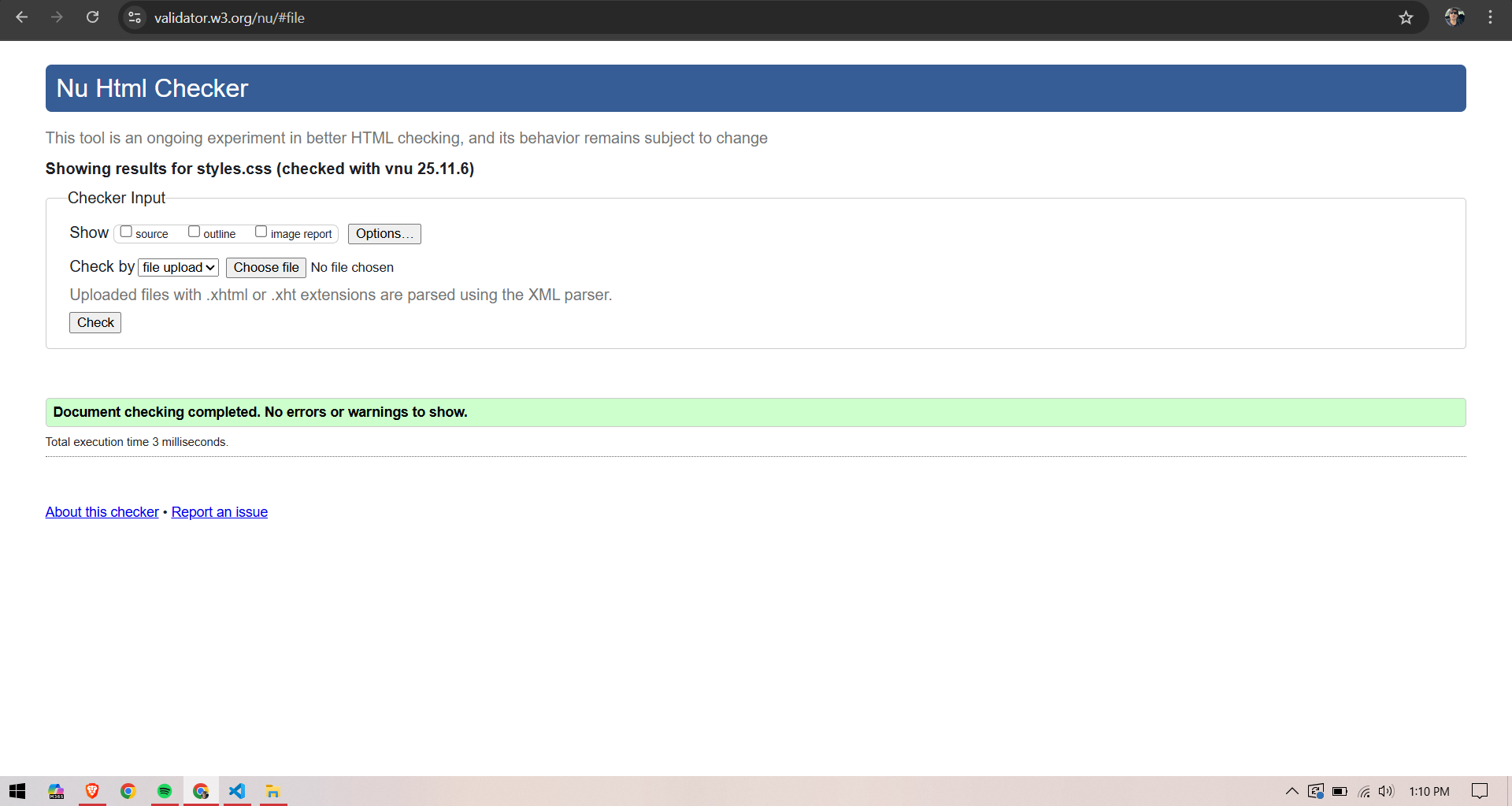
Place these PNGs in /images/ with these exact names:
index-w3c-check.png, webdev1-w3c-check.png,
terms-w3c-check.png, contact-w3c-check.png, css-w3c-check.png.
MDN Web Docs. (2025). HTML elements and attributes.
W3C. (2025). Markup Validation Service.